
Easy step-by-step guide
Create an assessment
Use an assessment to help students practise or to check the skills of people applying for a job. Follow these steps. You do not need special computer skills.
About the price: The plan price is shown in credits, not rupees. The price and plan details come from the available assessment plans. Your total depends on the plan you choose and the number of people you add.
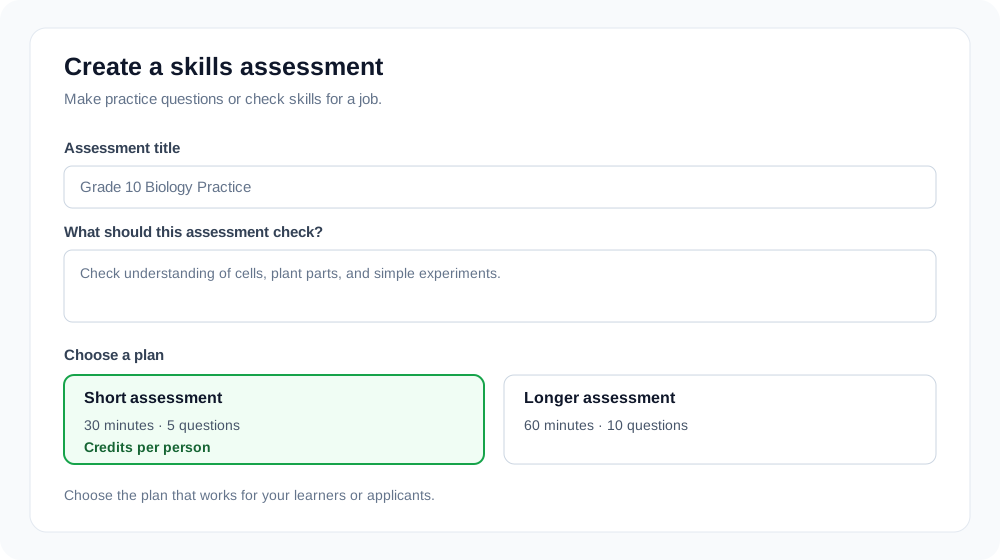
Tell us what to check
Give your assessment a clear name. Then write the subject, job, skills, and level. For example, you can check Grade 10 biology or basic skills for a customer support job.
Choose a plan and invite people
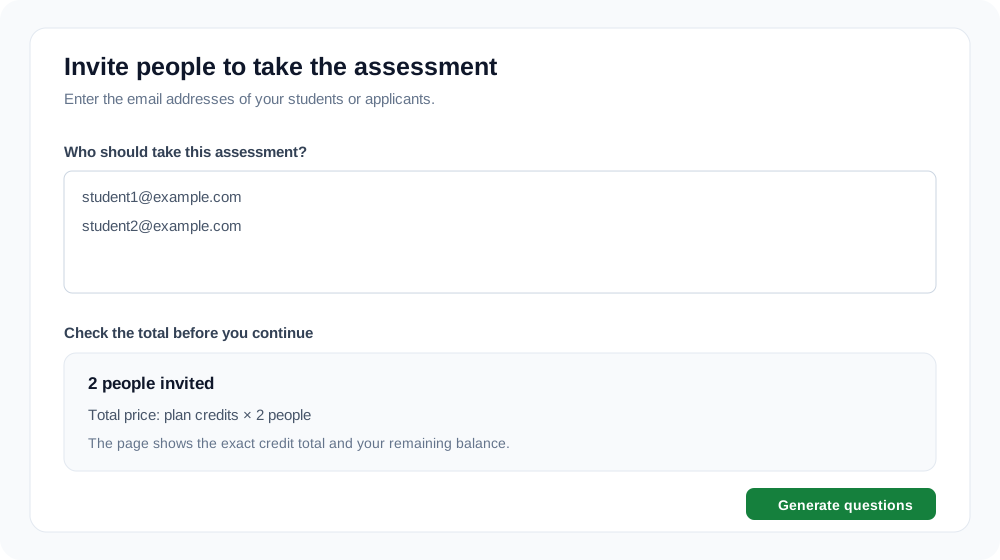
Pick a plan to see how many questions it includes, how long it takes, and its price in credits for each person. Add the email addresses of the students or applicants you want to invite. The page shows the total credits before you continue.
Check the questions
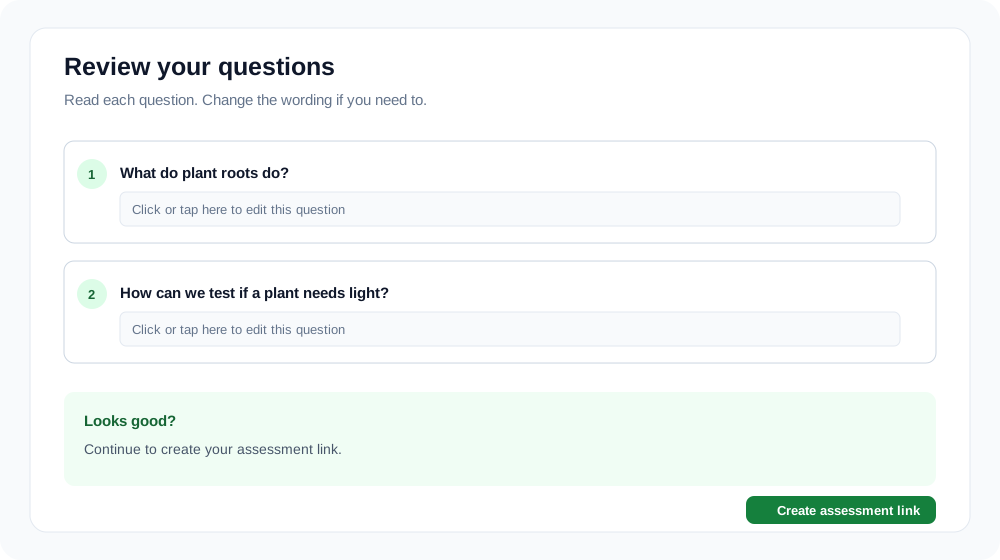
Read every question. You can edit a question if it needs a change. When the questions look right, create the assessment link.
Share the link
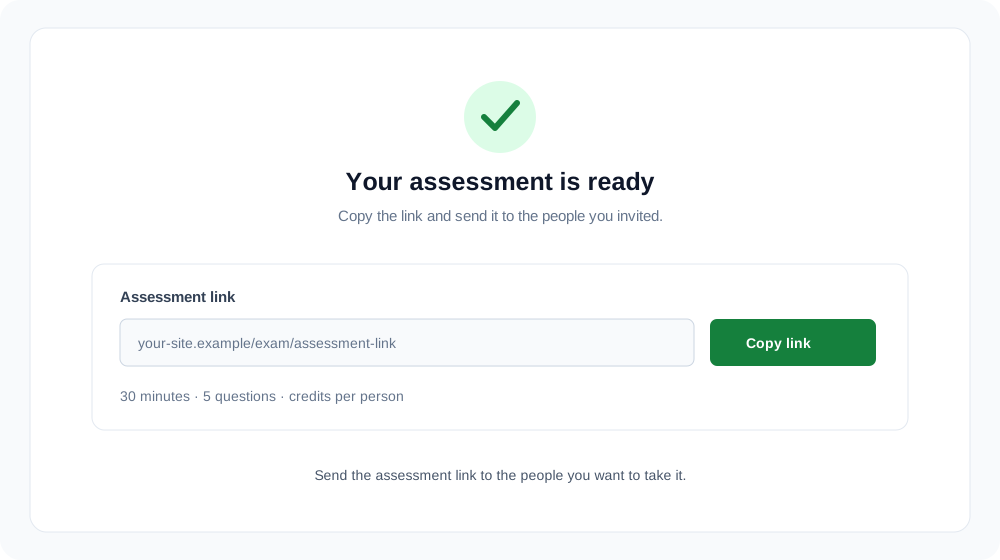
Copy the link and send it to the people you want to take the assessment. You can come back later to see their answers and feedback.
A few helpful reminders
- Use a clear title so you can find the assessment later.
- Choose question types that match the subject or job skills.
- Check the questions before you make the link.
- Invite the correct email addresses and check the credit total first.